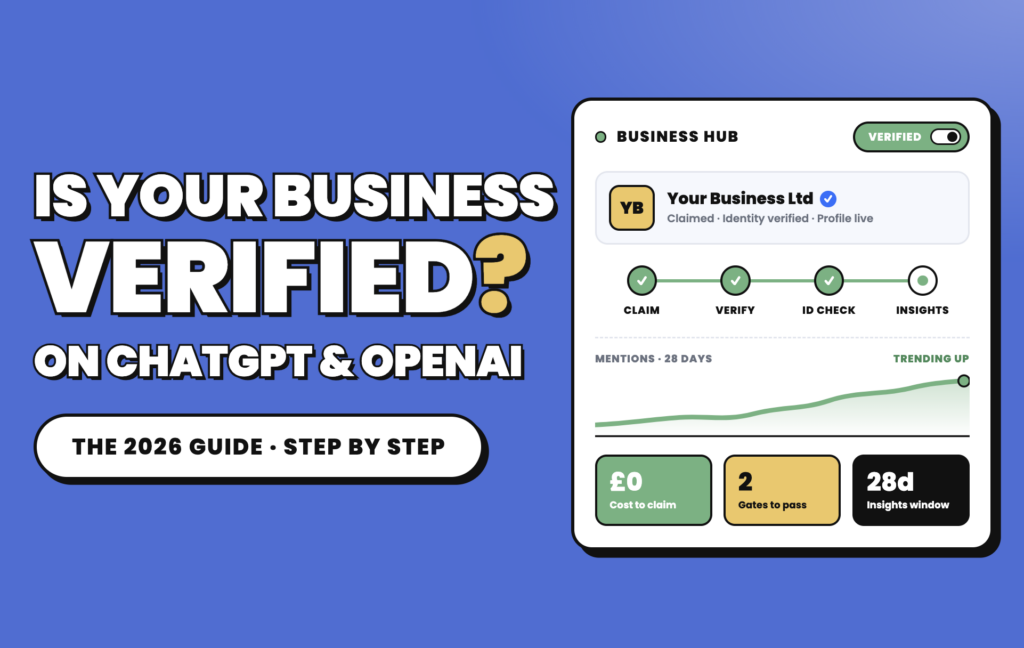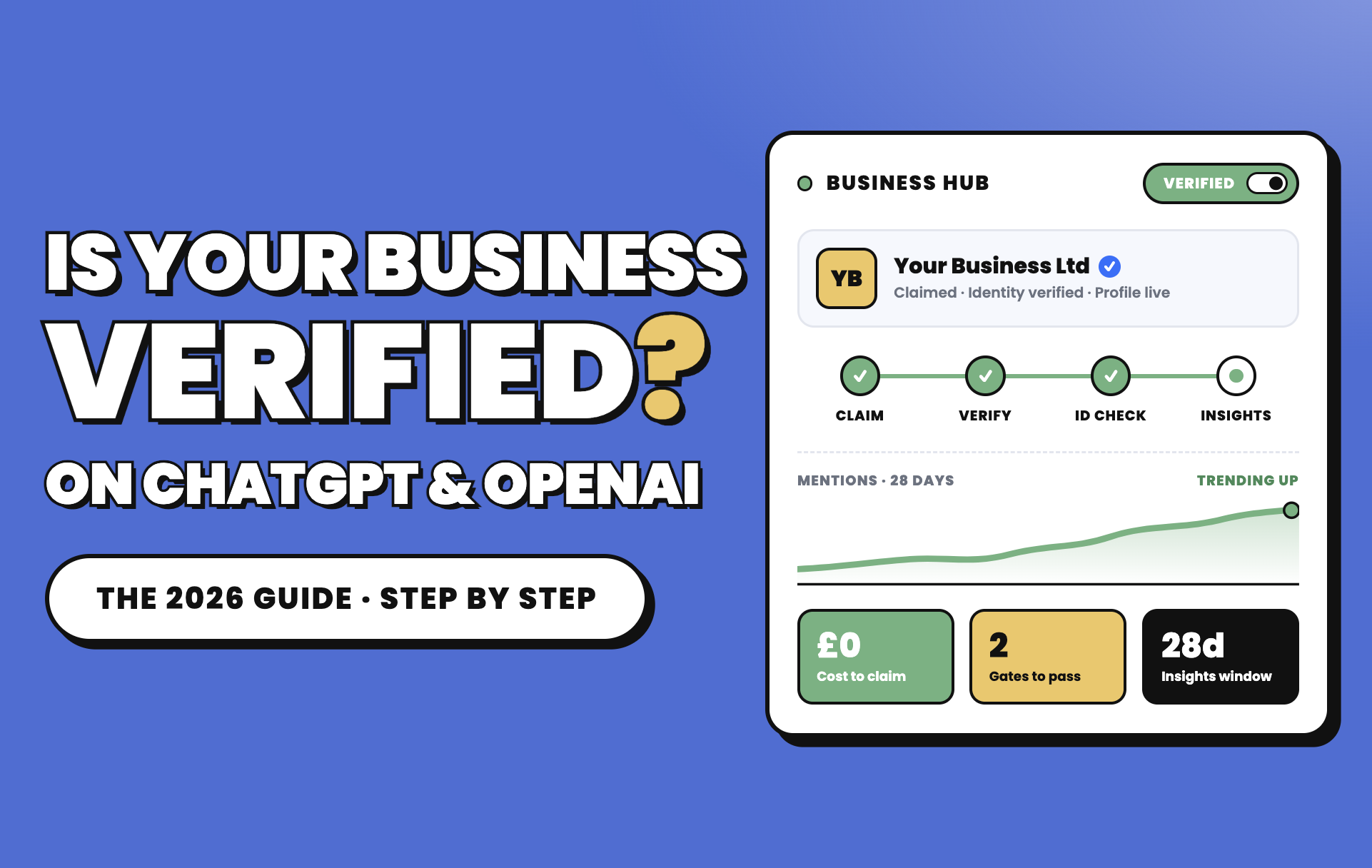
On 10 November 2026, OpenAI opened Business Hub, the first official way to claim your company inside ChatGPT, check how it is described and see how often ChatGPT mentions you. Within hours, “OpenAI business verification” became one of the most confusing phrases in marketing, because three very different things now share almost the same name: a paid team subscription, a set of verification checks and your visibility in ChatGPT answers. This guide separates them, walks you through every step to register and verify your business, and tells UK businesses honestly what they can and cannot do yet.
Short answer: To register your business with OpenAI, sign in to ChatGPT, open Business Hub (chatgpt.com/business-hub), find or add your business, prove you represent it by business phone, business email, a DNS record or Shopify, then pass an identity check with Persona. It is free, and you do not need a ChatGPT Business subscription. Verification lets you correct your information and see insights, but it does not buy you higher placement in ChatGPT’s answers.
Figure 1 · Three things that sound the same but are not
A paid workspace for teams to use ChatGPT at work. From $20 per user a month on annual billing, minimum two seats.
Does not verify your company. Does not change answers.Checks that prove who you are: the Business Hub claim plus Persona ID check, and separate API organisation verification.
Free. Unlocks editing, insights and some features.Whether and how ChatGPT mentions, cites or recommends you when people ask questions.
Earned through your information and reputation. Ads are labelled and separate.Keep these three separate and most of the confusion around ChatGPT business verification disappears.
01What is OpenAI business verification?
OpenAI business verification is not one process. It is a set of checks OpenAI uses to confirm that a real, authorised person is acting for a real organisation before unlocking certain products. In late 2026 there are three you are likely to meet:
- Business Hub verification (ChatGPT). The new route to claim business on ChatGPT. You prove your connection to the business, OpenAI reviews the claim, and then you verify your identity with Persona. This is what most people mean by “verify company on ChatGPT”.
- API organisation verification (OpenAI Platform). For developers building on the OpenAI API. It unlocks access to some advanced models and features and is done from your platform settings with a government-issued ID.
- Advertiser verification (ChatGPT Ads). OpenAI’s help centre says ads currently need business verification only, not identity verification.
Each is approved separately. OpenAI states plainly that approval for one product, organisation or access path does not automatically activate another. A verified API organisation does not give you a claimed ChatGPT profile, and vice versa.
⚠ Paying for ChatGPT is not verification
Subscribing to ChatGPT Business, Plus or Enterprise gives your team access to ChatGPT. It does not verify your company, does not create a business listing and does not make ChatGPT recommend you. Verification and visibility are separate from what you pay for.
02What is OpenAI Business Hub?
Business Hub is the dashboard at the centre of Businesses in ChatGPT, a programme OpenAI launched in beta on 10 November 2026. It sits in the ChatGPT sidebar and at chatgpt.com/business-hub, and it does four jobs:
- Claim your business so you, not a scraped directory, control the core details ChatGPT can use.
- Manage your profile: website, description, category, logo, cover photo, delivery and returns policies, plus an optional product feed with prices and availability.
- Measure aggregated mentions, website clicks and discovery topics over the past 28 days.
- Converse through a Business Agent, a branded chat assistant, currently only for eligible US ecommerce and online service businesses.
If you have used Google Business Profile and Google Search Console, the shape is familiar: claim, verify, keep details current, read performance data. OpenAI Business Hub registration is the first time a business has had any first-party numbers on how it appears in ChatGPT’s unpaid answers.
Figure 2 · Inside Business Hub: from claim to customer conversation
Based on OpenAI’s launch announcement and help centre, November 2026. Business Hub is in beta and features may change.
03Who can register a business on OpenAI?
OpenAI’s rule is that any eligible business located where ChatGPT is available can claim its business. Eligibility depends on industry, location and OpenAI’s verification and integrity checks, and the person doing it must own the business or be authorised to represent it. In practice, the help centre adds limits that matter a lot for UK businesses:
- You need a website. Claiming is initially available to eligible businesses with a website.
- Online businesses can claim or add themselves. UK and European ecommerce stores, SaaS and online service businesses can claim today, and can add a listing if none exists.
- Local businesses are US-only for now. Local stores and restaurants can currently claim only an existing US listing. A UK shop, clinic or salon with a physical location cannot create one yet.
- Some categories are held back until OpenAI has the safeguards it needs. OpenAI has not published that list, so the claim flow is where you find out.
- Shortcuts exist. Existing OpenAI Enterprise customers and advertisers can claim through their OpenAI representative. Shopify merchants can connect their store from Business Hub or the Shopify admin.
Use the checker below to see where your business stands today.
Eligibility checker: your business
What you can do today
Based on OpenAI’s published rules at launch (November 2026). Final eligibility depends on OpenAI’s category, verification and integrity checks.
04Documents required for OpenAI business verification
What you need depends on which verification you are doing. Have these ready before you start, and make sure every detail matches your official records exactly.
| What you may be asked for | Business Hub (ChatGPT) | API organisation | Tips |
|---|---|---|---|
| Access to business phone, email, domain DNS or Shopify | Yes, one method | No | Use an email on your own domain, not Gmail |
| Government-issued photo ID | Yes, via Persona | Yes | Original, unexpired and legible; no photocopies or screenshots |
| Legal business name | If requested | If requested | Exactly as on Companies House or your registry |
| Registered or operating address | If requested | If requested | Match the address on official records |
| Company number, VAT or tax ID | If requested | If requested | For a UK limited company, your Companies House number |
| Proof you are authorised to act | If requested | If requested | Director listing, or a letter of authority for agencies and staff |
Based on OpenAI’s help centre guidance for business and identity verification. Requirements can vary by country and product.
ⓘ What OpenAI will not accept
OpenAI’s verification guidance excludes photocopies, screenshots, scans, electronic replicas, mobile or digital driving licences and ID cards, and vehicle documents. Expired, blurry, cropped or altered IDs are among the most common reasons for failure.
05How to register your company on OpenAI
To register business with OpenAI, first decide what you are registering for. If you want to manage how your company appears in ChatGPT, use Business Hub (section 6). If you are building software on OpenAI’s models, verify your API organisation:
- Create or sign in to your OpenAI Platform account at platform.openai.com and make sure you are in the right organisation.
- Go to Settings, then Organization, then General, and select Verify Organization.
- Enter your business details exactly as they appear in official records if asked: legal name, address and registration or tax number.
- Verify your identity with a valid government-issued ID from a supported country. Each person can verify only one organisation, and an ID cannot be reused for another organisation within 90 days.
- Keep your account email working, because OpenAI may contact you during review.
- Check your access. Some models and features also need separate approval, budget limits or a new API key after verification.
OpenAI says API verification only takes a few minutes and has no spending threshold. If you are not approved, you keep your existing access.
06How to claim your business on ChatGPT
This is the core of OpenAI Business Hub registration. There are two separate gates: approval of your claim, then approval of your identity. You cannot edit your profile, connect a feed, see insights or build an agent until both are through.
Figure 3 · The claim flow: two gates before you get control
Step order from OpenAI’s help centre, “Setting up your business on ChatGPT”, November 2026.
- Sign in to ChatGPT and open Business Hub from the sidebar, or go to chatgpt.com/business-hub. A free ChatGPT account works.
- Search for your business by name. Select the matching listing and confirm which ChatGPT account will manage it. If your eligible online business is not listed, choose the option to add it.
- Verify your connection to the business with one of the methods offered: a code sent by text or call to your business phone, a code sent to your business email, a TXT record added to your domain’s DNS (then select Verify domain), or by connecting your Shopify store.
- Wait for claim approval. OpenAI reviews the claim and emails a decision or a request for more information. You can cancel while it is pending.
- Complete identity verification with Persona. Expect a government ID and, if requested, business registration details and proof you are authorised to represent the company.
- Update your profile once both approvals are through.
- Open Insights to see mentions, website clicks and discovery topics.
⌁ The DNS route is the cleanest for most online businesses
If you control your domain, the TXT record method proves ownership without relying on a phone line or shared inbox. Ask whoever manages your DNS (often your web developer or hosting provider) to add the record, then return to ChatGPT and select Verify domain.
07Does OpenAI provide a verified business badge?
Yes, in a limited sense. OpenAI’s example claim screen shows a blue checkmark that signals a profile is managed by the actual business. Reporting on the launch indicates the check comes from completing the Persona identity step, not from claiming alone, so a claimed but unverified profile has no badge.
Be precise about what the badge means:
- It means: the profile is managed by someone OpenAI has verified as representing the business.
- It does not mean: OpenAI endorses your products, ranks you higher or recommends you more often.
- It is not a ChatGPT Business perk: paying for a workspace does not give your company a badge.
08Benefits of registering your business with OpenAI
- Accuracy. You can correct the details ChatGPT may use about you: description, category, website, policies and product data.
- First-party data. For the first time, you can see aggregated mentions, website clicks and discovery topics from OpenAI itself, rather than estimates from third-party tools.
- Protection. Claiming your OpenAI business listing early makes it harder for someone else to claim it. If they already have, you can dispute ownership.
- Product data in the loop. Retailers can add product feeds with prices and availability, which ChatGPT may use when people compare products.
- A route to conversation. Eligible US businesses can publish a Business Agent; UK businesses should expect this to follow as OpenAI expands markets, though no dates have been given.
- Team access. The admin who claimed the business can invite teammates or grant an agency access, each using their own ChatGPT account.
⚠ What claiming does not do
OpenAI says ChatGPT continues to make independent recommendations and comparisons, that claiming does not guarantee higher placement or sales, and that advertising does not influence ChatGPT’s independent answers. Treat verification as housekeeping and measurement, not a ranking boost.
09How can businesses use OpenAI and ChatGPT?
It helps to sort OpenAI’s offer by what you are trying to do, because each need maps to a different product with a different sign-up.
| Goal | Product | Paid? | Verification involved |
|---|---|---|---|
| Get your team working faster | ChatGPT Business or Enterprise | Yes, per seat | None for your company’s listing |
| Manage how you appear in ChatGPT | Business Hub | Free | Claim + Persona |
| Chat with shoppers inside ChatGPT | Business Agent (US only) | Free to publish | Claim + Persona |
| Pay for reach in ChatGPT | ChatGPT Ads | Yes | Business verification |
| Build AI into your website or app | OpenAI API | Pay per use | API org verification for some models |
Products and availability as of November 2026.
10How to make your business discoverable on ChatGPT
Claiming your profile is one input. ChatGPT still reads your website, reviews, directories and press. Discoverability, sometimes called generative engine optimisation or GEO, comes from making all of those sources clear and consistent.
- Let OpenAI’s crawler in. Check your robots.txt, CDN and firewall do not block OAI-SearchBot, the crawler OpenAI uses for ChatGPT search. If ChatGPT cannot read your pages, it cannot cite them.
- Make your website the source. For an online business, Business Hub counts a mention only when ChatGPT references your website. Being named without a link to your site does not count.
- Answer real buying questions on your pages: prices, delivery areas, comparisons, who the product is for. Clear answers are easier to cite.
- Keep your details identical everywhere: name, address, services and policies on your site, Google Business Profile, directories and social profiles.
- Earn independent mentions. Reviews, industry press and comparison sites shape how AI tools describe you.
- Keep product data current with a feed or Shopify connection, so ChatGPT is not working from old prices.
11How to add your business information to ChatGPT
Once your claim and Persona check are approved, open your business in Business Hub and edit:
- Website and business description
- Category, logo and cover photo
- Delivery and returns policies
- Products, by uploading a product feed (for example a CSV with prices and availability) or connecting Shopify, whose catalogue shares product details automatically
OpenAI reviews changes before they go live, and warns that updates can take time to appear. ChatGPT may also use other sources when answering about your business, so fix inaccuracies at the source too, not only in Business Hub.
12How can ChatGPT help customers find your business?
When someone asks ChatGPT for a recommendation or comparison, it may mention or cite your business. From there, the user can open your profile to see your description, policies and products, click through to your website, or, for eligible US businesses, start a separate chat with your Business Agent. OpenAI says Business Agent conversations are clearly labelled and kept apart from ChatGPT’s own independent answers.
Do not expect a flood of clicks. Early live dashboards shared on launch day showed far fewer clicks per mention than OpenAI’s demonstration data.
Figure 4 · Clicks per mention: OpenAI’s demo vs the first real dashboards
Source: PPC Land’s calculations from OpenAI’s fictional example and two dashboards shared publicly on 10 November 2026. Two dashboards are anecdotes, not a benchmark.
13How to use ChatGPT for business marketing and lead generation
There are two very different routes, and it is worth keeping them apart: organic visibility, which you earn, and paid placement, which you buy.
Organic: be the best answer
Claim your profile, keep product data current and publish pages that answer buyers’ questions directly. Then measure: compare Business Hub’s clicks with ChatGPT referral sessions in GA4 (usually arriving from chatgpt.com) and follow them through to enquiries or orders.
Paid: ChatGPT Ads
OpenAI said in October 2026 that ChatGPT ads were available in 89 countries. Ads appear on the Free and Go plans and are labelled as sponsored. Eligible US businesses can also sponsor their Business Agent as the destination for an ad. Early research is mixed: one working paper found a paid ChatGPT ad visit generated less revenue for US shops than a Google search ad visit, so test with a ring-fenced budget and judge on profit, as you would any new channel.
As a working tool
Separately from your visibility, ChatGPT is useful for the work behind campaigns: drafting ad variations, summarising search terms reports, writing product descriptions and planning landing page tests. Keep a human review step before anything goes live, and never paste customer personal data into tools your company has not approved. For lead forms versus landing pages, see our guide to lead ads vs landing pages.
14How to use OpenAI to automate business operations
Automation is where ChatGPT Business and the API earn their cost, and none of it depends on a Business Hub listing.
- Customer service: draft replies to common emails and tickets, with an agent approving each one.
- Catalogue work: write and translate product descriptions and tidy feed titles at scale.
- Reporting: turn weekly ad and sales exports into plain-English summaries for the team.
- Internal knowledge: in a ChatGPT Business workspace, teams can share projects and build workspace agents around their own documents.
- Back-office flows: classify enquiries, extract data from invoices or route leads, using the API inside the tools you already run.
Start with one repetitive task that costs real hours, measure the time saved, then expand. Automations that touch customers or money should always have a human checkpoint.
15. How to integrate OpenAI API into your business website
Integrating the API means calling OpenAI from your own server so your site can answer questions, recommend products or summarise content. The basic pattern:
- Create an API key in the OpenAI Platform and set a monthly budget limit.
- Verify your organisation if you need models or features that require it.
- Keep the key on your server. Never put it in front-end JavaScript, where anyone can copy it.
- Call the API from a back-end route and send only the result to the browser.
- Add guardrails: rate limits, logging, a fallback message and clear labelling that visitors are talking to AI.
Check OpenAI’s current API documentation for model names and pricing before you build, as both change frequently. If AI chat captures leads on your site, make sure those conversions are tracked properly; our guide to server-side tagging covers accurate measurement.
Want to know how ChatGPT sees your business?
Our paid audit checks your tracking, product feeds and paid media, and shows where AI search traffic is already landing and converting.
16OpenAI Business vs ChatGPT Plus: what's the difference?
When people say “OpenAI Business” they usually mean the ChatGPT Business plan (formerly ChatGPT Team). Both it and Plus are subscriptions for using ChatGPT. Neither verifies your company or affects how ChatGPT describes or recommends it.
| Feature | ChatGPT Plus | ChatGPT Business |
|---|---|---|
| Who it is for | One person | Teams of two or more |
| Price (USD) | $20 a month | $20 per user a month billed annually, $25 monthly |
| Minimum seats | 1 | 2 |
| Shared workspace and admin controls | No | Yes |
| Business data used for training by default | Controlled in your settings | No |
| Verifies your company | No | No |
| Creates a Business Hub listing | No | No |
| Improves ChatGPT recommendations | No | No |
OpenAI cut the Business seat price in April 2026. UK prices are charged locally and may include VAT. Check chatgpt.com/pricing before buying.
17Is OpenAI business verification free?
Yes. OpenAI lists no fee for claiming a business, using Business Hub or publishing a Business Agent, and its help centre says you do not need an Ads account or a ChatGPT Enterprise agreement to claim. API organisation verification is also free and has no spending threshold.
What does cost money: ChatGPT subscriptions, API usage and ChatGPT Ads, including sponsoring a Business Agent. Be wary of anyone charging to “get you verified on ChatGPT”. The process is free and self-serve, and no one can sell you a guaranteed recommendation.
18Common OpenAI business registration and verification problems
| Problem | Likely cause | What to do |
|---|---|---|
| Cannot find or add my business | Local business outside the US, no website, or a held-back category | Check eligibility; use Contact support in Business Hub |
| Put on a waitlist | Beta capacity or market rollout | Wait for the email; do not submit duplicate claims |
| DNS verification fails | TXT record not yet live, or added to the wrong domain | Wait for DNS to update, check the record, then select Verify domain again |
| Persona check rejected | Blurry, expired or digital ID; details do not match records | Use an original physical ID in good light; match names exactly |
| Business already claimed | A former employee, agency or impostor claimed it | Open the profile, use the ••• menu and select Dispute ownership |
| Insights are blank | Below OpenAI’s reporting threshold, or Persona not yet approved | Blank does not mean zero; check again later |
| API: ID already used | That ID verified another organisation in the last 90 days | Have a different authorised person verify, or wait |
| Verified but feature still locked | The feature needs separate approval or setup | Confirm the right organisation or workspace; generate a new API key |
OpenAI says verification results cannot be manually overridden. Where retries or appeals exist, the notice you receive explains them.
19How long does OpenAI business verification take?
OpenAI does not publish a fixed timescale for Business Hub. Plan for a few days end to end, because two steps wait on OpenAI.
Start the claim and verify your connection
Phone and email codes arrive straight away. A DNS TXT record can take a little longer to become visible after you add it.
Claim review
OpenAI emails a decision or asks for more information. Some launch-day claims outside the US were placed on a waitlist.
Persona identity check
Usually quick to complete if your ID is valid and your details match. Status can take time to show across every product.
Profile edits go live
OpenAI reviews changes before publishing them, and ChatGPT’s answers may take longer to reflect them.
Insights appear
Data covers the past 28 days and only shows once there is enough activity. Early dashboards showed roughly a one-day reporting lag.
API organisation verification is faster: OpenAI says it takes only a few minutes.
20How to update or manage your business information on OpenAI
- Edit details from your business in Business Hub. Changes are reviewed before going live.
- Keep product data fresh by re-uploading your feed or keeping the Shopify connection active.
- Manage access: the admin can invite teammates and grant agency access. Remove people who leave, just as you would on your ad accounts.
- Fix a wrong claim with Dispute ownership from the profile’s ••• menu.
- Remove or close a listing: Business Hub does not publish a self-serve delete option at launch, so use Contact support in Business Hub.
- Review monthly: check your profile, insights and GA4 together, and note any changes you made so you can explain movements later.
21OpenAI business verification vs Google Business Profile verification
| ChatGPT Business Hub | Google Business Profile | |
|---|---|---|
| Where you appear | In ChatGPT answers and profiles | Google Search and Maps |
| Who qualifies | Businesses with a website; local listings US-only for now | Businesses with in-person customer contact |
| How you verify | Phone, email, DNS or Shopify, then Persona ID check | Phone, text, email, video or postcard, chosen by Google |
| Cost | Free | Free |
| Performance data | Mentions, website clicks, discovery topics (28 days) | Views, searches, calls, directions |
| Customer chat | Business Agent (US, beta) | Varies by market |
| Status | Beta since November 2026 | Established |
You need both. Google Business Profile still drives local search and maps, and ChatGPT reads public sources like it when answering. A UK local business that cannot claim in Business Hub yet should keep its Google profile flawless; it is one of the signals AI tools draw on.
22How does OpenAI handle business information and data privacy?
- Users’ chats stay private. OpenAI says it does not share users’ conversations or Business Agent chats with businesses. You see aggregated numbers and themes, never individual prompts.
- Thresholds protect users. Insights only appear when there are enough conversations to meet OpenAI’s thresholds.
- Identity checks run through Persona, OpenAI’s verification partner. Read the privacy notice in the flow before uploading ID.
- Your profile information is meant to be public, so do not put anything confidential in descriptions or feeds.
- Workspace data is separate. On ChatGPT Business, OpenAI does not train on your business data by default. That covers your team’s work, not your public listing.
- Stay GDPR-aware. If staff use ChatGPT or the API with customer data, record it in your data processing documentation and check OpenAI’s current terms for your plan.
⌁ The rule to keep
Verification proves who you are. Your website, reviews and product data decide how ChatGPT describes you. Your subscription decides how your team works. Keep the three separate, and do all three well.
Your OpenAI readiness checklist
I have checked whether my business can claim a Business Hub profile today.
I have DNS access or a business email on my own domain ready for verification.
The person verifying has a valid, original photo ID and matches our official records.
OAI-SearchBot is not blocked by our robots.txt, CDN or firewall.
Our name, address and services match across our site, Google Business Profile and directories.
GA4 tracks ChatGPT referrals through to leads or sales.
23Frequently asked questions
Can I register my company on OpenAI?
Yes, if it is eligible. To manage how it appears in ChatGPT, claim it in Business Hub at chatgpt.com/business-hub. To build on OpenAI’s models, verify your organisation in the OpenAI Platform. Both are free and separate from any ChatGPT subscription.
How do I verify my business on ChatGPT?
Open Business Hub, find or add your business, verify your connection by business phone, business email, DNS TXT record or Shopify, wait for OpenAI to approve the claim, then complete an identity check with Persona. Only then can you edit details and see insights.
Is OpenAI Business Hub available worldwide?
It is open to eligible businesses in markets where ChatGPT is available, but with limits. Local stores and restaurants can claim only existing US listings for now, and Business Agents are US-only. OpenAI says it plans to expand to more markets but has given no dates.
Can companies outside the USA register?
Yes for online businesses with a website, including in the UK and EU. UK businesses with physical locations, such as shops, restaurants and clinics, cannot claim a local listing yet. Some non-US claims have been placed on a waitlist during the beta.
Can I register a private limited company?
Yes. Company structure is not a barrier; eligibility depends on your business type, location and OpenAI’s checks. Have your exact legal name, registered address and Companies House number ready, and make sure the person verifying is a director or can prove they are authorised.
Does OpenAI provide an official business verification badge?
A blue checkmark can show that a profile is managed by the actual business after the identity check. It confirms who manages the profile. It is not an endorsement and does not improve rankings or recommendations.
Can I register my business without a website?
Not at the moment. OpenAI says claiming is initially available to eligible businesses with a website, and Business Agents also need one. If you have no website, ChatGPT can still mention you from other sources such as reviews and directories.
How do I remove or update my business listing?
Update details from your business in Business Hub; OpenAI reviews changes before they go live. If someone else claimed your business, use Dispute ownership from the ••• menu. For removal or anything the dashboard does not offer, use Contact support in Business Hub.
Does business verification improve ChatGPT recommendations?
No. OpenAI says ChatGPT keeps making independent recommendations, claiming does not guarantee higher placement or sales, and claiming or disputing a profile does not change its visibility. What it does give you is more accurate information and data on your mentions.
Can ChatGPT recommend my company to potential customers?
Yes, if it judges you a good answer to someone’s question. That depends on your website, reviews, reputation and product information, not on payment or subscription. Paid ChatGPT Ads exist, but they are labelled as sponsored and kept separate from ChatGPT’s independent answers.
Ready for AI search as well as Google?
Book a free consultation. We’ll review your tracking, feeds and paid media, and show you where ChatGPT and Google traffic can turn into profit.